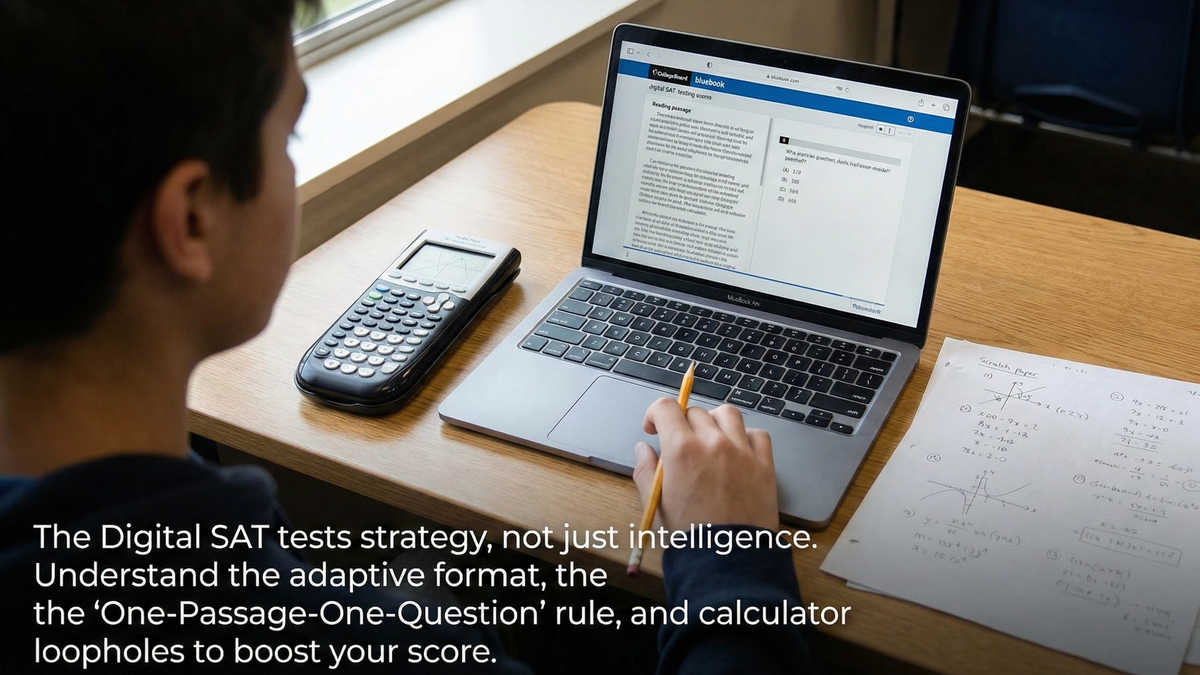
Cracking the Code: Hidden Wisdom, Tips, and Tricks for the Modern SAT
The transition from paper to pixels wasn’t just a change of medium; it was a fundamental shift in how the SAT measures performance. The Digital SAT is shorter, adaptive, and tool-rich. To dominate it, you must stop treating it like a high school final and start treating it like a strategy game.
Here is the hidden wisdom you need to navigate the interface, the adaptive modules, and the built-in tools.
1. Master the Adaptive Format (The "Module" Strategy)
The Digital SAT is multistage adaptive. This means the difficulty of the second section (Module 2) depends entirely on your performance in the first section (Module 1).
- The Trap: Many students rush through Module 1 to "save energy" for the harder questions later.
- The Strategy: Treat Module 1 as the gatekeeper to a high score. If you perform poorly here, you are routed to an easier Module 2, which caps your potential maximum score (often preventing you from breaking 650-700 per section).
- The Fix: Prioritize accuracy over speed in Module 1. You cannot get a top-tier score if you make careless errors in the easier first stage.
2. Reading & Writing: The "One-Passage-One-Question" Rule
Gone are the days of 800-word essays followed by ten questions. The Digital SAT presents short, discrete passages (25–150 words) with a single question attached to each.
The "Question First" Technique
Because the passages are dense and unrelated to one another, switching context constantly causes cognitive fatigue.
- Don't read the passage first. Read the question stem first.
- Why? If the question asks, "Which choice best completes the text?" you know you are looking for a logical transition. If it asks about the "main idea," you are skimming for a thesis.
- The Benefit: You stop reading passively and start hunting for specific clues.
Tip: Group your questions mentally. The test often clumps "Standard English Conventions" (grammar) together. These require zero reading comprehension—just grammatical rules. Knock these out quickly to bank time for the harder "Inference" questions.
3. Math: The Calculator Loophole (Desmos is Your Best Friend)
The greatest advantage in the Digital SAT is the built-in Desmos graphing calculator, which is available for every math question. This is not just a calculator; it is a logic engine that can bypass algebra entirely.
Strategies to "Hack" the Math Section:
- Systems of Equations: Never solve these by hand (substitution/elimination). Type both equations into the graphing tool and tap the intersection point. The coordinates displayed are your answer.
- Finding Zeros/Roots: If a question asks for the solutions to a quadratic equation like $ax^2 + bx + c = 0$, simply type the equation into the calculator. The x-intercepts on the graph are your roots.
- Regression & Matching: If you are given a table of values and asked for the equation, type the table into the calculator. Then, type in the answer choices. The one that passes through your points is the correct answer.
The Golden Rule: If you are spending more than 45 seconds doing algebra on scratch paper, you are likely doing it the "hard way." Check if the graph can solve it for you.
4. Scratch Paper Discipline
Just because the test is digital doesn’t mean your brain is. The College Board provides scratch paper (or allows a whiteboard/pen depending on the center).
- Don't do mental math: The cognitive load of holding numbers in your head slows down your processing speed. Write it down.
- The "ABC" Grid: For difficult questions, physically write A, B, C, D on your paper and cross them out as you eliminate them. Visually removing options reduces anxiety and prevents you from accidentally clicking a distractor you already mentally eliminated.
- Transcription Errors: Be hyper-aware when transferring a number from the screen to your paper. A common error is swapping an $x$ for a $y$ or dropping a negative sign during transcription.
5. The "Mark for Review" Button
The interface allows you to flag questions to come back to.
- Use it Liberally: If you stare at a question for 60 seconds and have no idea how to start, guess, mark it, and move on.
- The Logic: The Digital SAT penalizes running out of time more than it penalizes a single wrong guess. Never leave a question blank, and never let one stubborn question eat the time you need for three easy ones later.